
Clear invoice details
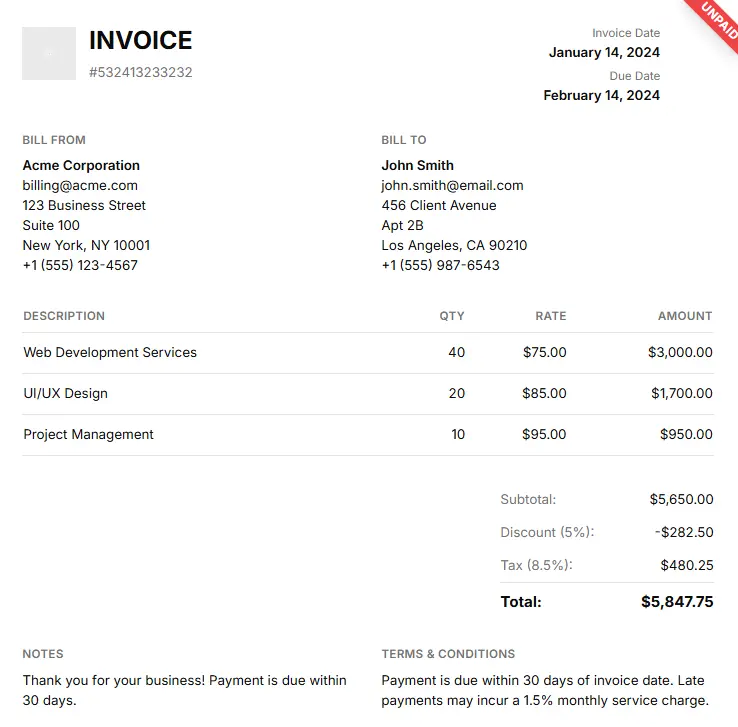
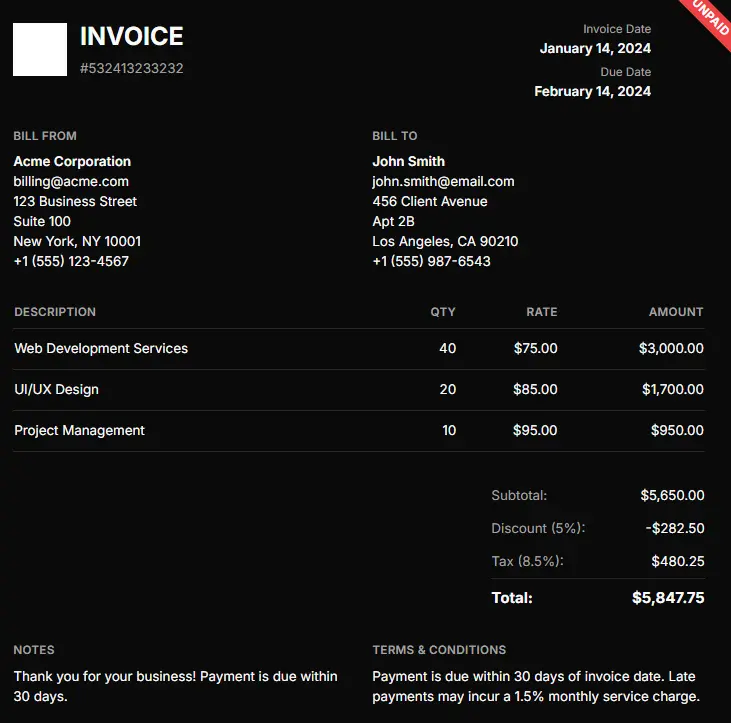
Customers see exactly what they are paying for, on any device.
Share professional invoice links, present balances and line items clearly, and give every customer one focused place to review and pay.
Invoice #1048
Tuwexinc Services
Billed to
Acme Studio
billing@acme.co
Due date
Sep 28, 2026
Website implementation
Design and development services
$2,480.00
Amount due
$2,678.40
Secure invoice access powered by Tuwexinc
Designed for clarity
Customers see exactly what they are paying for, on any device.
Each invoice is delivered through its own shareable payment link.
Review the balance and continue to payment from the same page.
Built for the business
Create consistent invoices, verify every total, and keep the status of your receivables visible from the Admin app.
Search invoices by customer and filter paid, overdue, cancelled or refunded records from one place.
Build itemized invoices with quantities, rates, taxes and discounts calculated into the final balance.
Reuse your logo, currency, labels, notes and payment terms instead of rebuilding them for every customer.
Customer experience
Clear from total to payment
Simple, secure invoice sharing in 5 steps
Generate invoice in Tuwexinc dashboard
Secure link is automatically generated
Client accesses invoice via link
Instant payment through checkout
Instant confirmation sent to business
Turn finished work into clear invoices and a shorter path to payment.
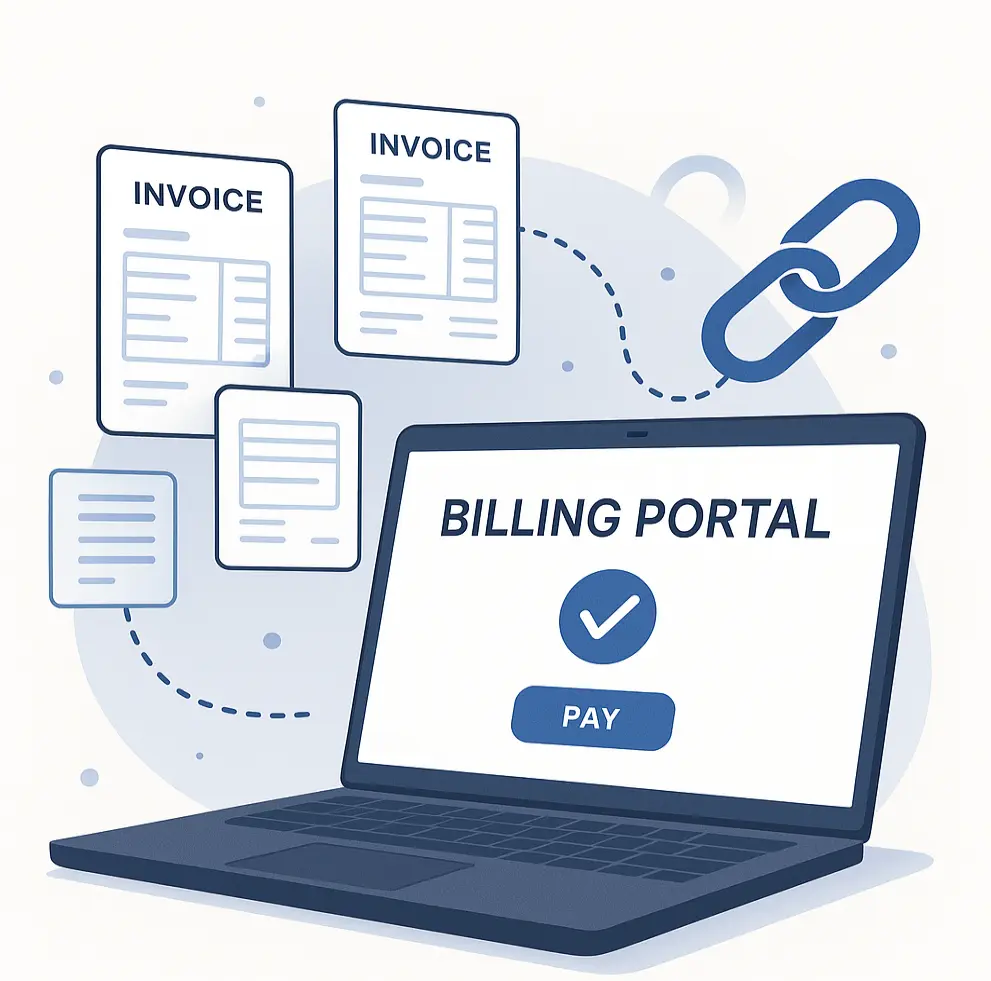
Give customers a professional invoice, a clear balance, and one obvious next step.
Start Nowper paid invoice
For your business
Create the invoice in Tuwexinc, share one clear link, and keep the billing journey connected to your workflow.
For your customer
No confusing attachments or unnecessary navigation—just the invoice details and a direct route to payment.
Frequently asked questions
You can create, review, edit and delete invoices, search by customer, and filter records by payment status from the Tuwexinc Admin app.
Yes. Invoice Management distinguishes paid, overdue, cancelled and refunded records, while showing each invoice total and due date.
Yes. Add itemized products or services with quantities and rates, then apply tax and discount settings before confirming the total.
Yes. Configure your company logo, currency, field labels, notes and payment terms so future invoices follow a consistent format.
Yes. The Admin workflow includes a complete invoice preview and a review step so you can verify customer details, line items and totals first.
The displayed rate is 3% plus $1 per paid invoice.
Ready when you are
Bring invoice creation, review and payment status into one connected workflow for your business.
Talk to Tuwexinc